Showing posts with label Apps to Support Writing. Show all posts

Wednesday, September 6, 2017

Adobe Spark


Zone of Totality - Eclipse - Video created with Adobe Spark
Images taken by Helen Maddox, copyright free images and videos from Pixabay.com

By: Helen Maddox


Adobe Spark is a very robust, free, video creation tool that is easy to use. Search through copyright free images, icons, and music to add to your Spark video project. Running on multiple platforms, and app for devices, makes this tool a great option for any classroom.  Spark provides students the option to represent what they know in a different way, making Adobe SPARK ideal to add to personalized learning plans for students.

Sample projects:

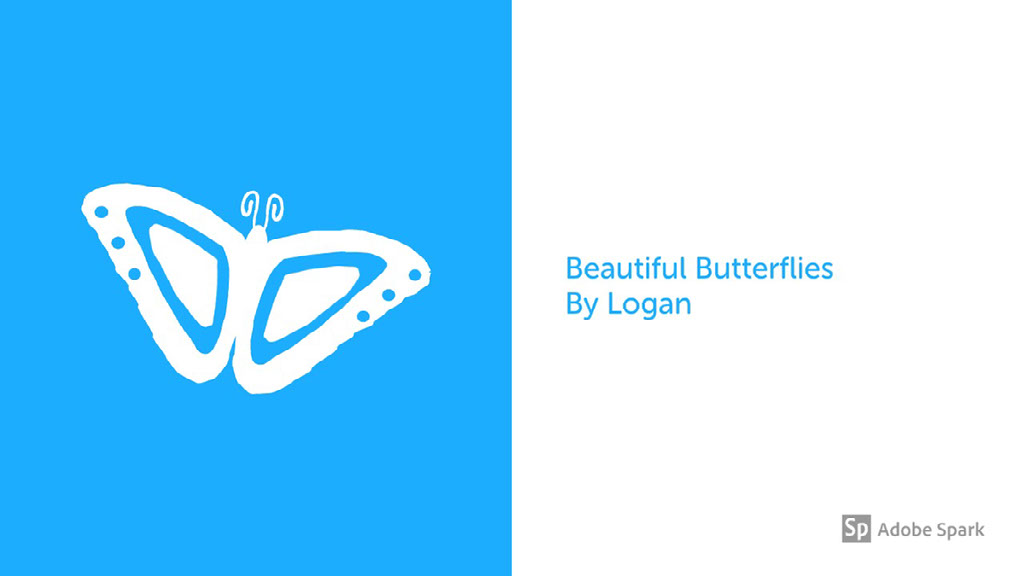
1.  Beautiful Butterflies

spark.adobe.com
A story told with Adobe Spark Video.
2.  My Immigration Story


How to access:

Web:
Spark.adobe.com - click login - choose School Account - then login with KSU ID
iPad/iPhone - iTunes Store - Adobe Spark - app


Resources:


On Demand Training

Adobe Spark Getting Started Videos


Adobe Spark Video In The Classroom - Tech Rabi


Previous training series - still valuable!

Adobe Voice in 30 Seconds


Adobe Voice - Tips & Tricks - Customizing Theme Colors


Adobe Voice - Tips & Tricks - Optimizing and Adjusting Sound


Adobe Voice - Tips & Tricks - Sharing and Embedding


Adobe Voice - Tips & Tricks - Drop-in Animation


Adobe Voice - Tips & Tricks - Pan and Zoom


Adobe Voice - Tips & Tricks - Extend Page Duration 


Images, Photos, Copyright:  you do not have to do citation on copyright free images or videos


Copyright and Fair Use Animation - Video from Commonsensemedia.com

Copyright Free Photos & Videos:
Pexels (videos) - https://videos.pexels.com/
Photos for Class -  Photos for Class
*New - Creative Commons CCSearch for Pictures - - https://ccsearch.creativecommons.org/

Additional Resources by Educators:

Blog Posts
How to create videos with Adobe Voice - by Cherylnn Low/Tom's Guide

Digital Storytelling Rubrics

Tuesday, November 8, 2016

Epic!

The first all-you-can-read eBook app for kids 12 and under.


www.getepic.com

Free educator account
@EpicKidsBooks

To register:
Go to www.getepic.com
Click on Educators - if you want the free account
Click Get Started - next screen click Get Started
Complete information and click Let's Read

Once you login you are under a guest profile - if you want to create profile - switch profile
Choose Teacher - you see Teacher profile
Students login thru my epic! Account.  Teacher logs in - and then click on student profile - unlimited student profiles.
Setup name - optional PIN number - Enable Home Access - gives free month/no credit card required access w email address

Resources

Webinar
https://fccdl.in/sgEKQ85jr - Basics Webinar

Our social media pages

Supported Devices


Epic! Reading Club
1. Your classroom earns Epic! Points for every family subscription connected to your class.

2. Your Epic! Points can be redeemed to purchase books and other supplies for your classroom from leading retailers such as Amazon and Target.

Epic! will now donate 20% of every parent's subscription back into your classroom. Once a parent account connects to your class, you will automatically earn points from their subscription.


Wednesday, January 14, 2015

Support Reading with Animoto and Toontastic

How do you find quality apps?

Apps - Blooms Taxonomy
Interactive Ladder to assign apps to Bloom's Taxonomy:
Kathy Schrock Bloomin Apps http://www.schrockguide.net/bloomin-apps.html
edtechteacher.org (Where do I begin?) - http://edtechteacher.org/apps/

Search for App by Content Area, Grade Level
Apps evaluated by Educators – http://www.graphite.org/
Common Sense Media - https://www.commonsensemedia.org/
Children's Technology Review - https://childrenstech.com/
Education Apps Store - https://www.educationalappstore.com/

Pinterest - search for Reading AppsReading Apps Lesson Plans

Lesson Plans using Inspiration - 
15 Apps to Improve Reading Comprehension
50 Popular Apps for Struggling Readers
Reading Comprehension Strategies Chart

Animoto for Educationhttp://animoto.com/education
Sign up information - http://help.animoto.com/entries/20239847-Getting-Started-with-Animoto-for-Education

Six ways to use Animoto in the Classroom - https://animoto.com/blog/education/education-videos/

Free music - www.jamendo.com

Examples:


Flickr.com - For images
http://www.flickr.com/

Library of Congress - Prints and photographs online collection - For images
http://www.loc.gov/pictures/

Google Images - For images
http://www.google.com/imghp

Chicago Public Library - For book summaries, reviews, and book cover images
http://www.chipublib.org/

Amazon.com - For book summaries, reviews, and book cover images
http://www.amazon.com/

Toontastic
Lesson Plan 1: Pre-writing with Toontastic

Lesson Plan 2:  BrainPop Inspired Movies (Create using Toontastic)

Additional Toontastic Lesson Plans:

Ideas for Integrating into Classroom

Digital Book Reporter - http://classwithapps.com/2013/04/digital-book-reporter/

eBooks - www.wegivebooks.com (free ebooks!)
Whole group instruction - connect mobile device to projector, students take turns reading and discuss scene
Pairs - students read story together, take turns reading narration and dialogue
Reenact story
Ideas for integrating app on graphite.org - (check under How Can Teachers Use it)


Monday, June 23, 2014

Apps to Support Writing


Climbing the ladder to Bloom's Taxonomy - Writing


Naea Site:  http://www.arteducators.org/learning/blooms-taxonomy

  How do you find quality apps?

Kathy Schrock Bloomin Apps http://www.schrockguide.net/bloomin-apps.html
How to find good educational apps that have been evaluated by educators – http://www.graphite.org/

    Questions when evaluating apps for writing:
Does it have a story starter feature?
Does it walk the student through the writing process?
Can you add photos or drawings?
Can you add text?
Can you add voice recording?
Can you share or publish?
How do you see yourself using this in the classroom?

Resource List  
      Story Starters
 Scholastic Story Starters
 
http://www.scholastic.com/teachers/story-starters/
      Build Content Knowledge
 BrainPopwww.brainpop.com

 netTrekker – www.nettrekker.com

  
     Organization – Mind mapping - Brainstorming
Inspiration/Kidspiration
PC/Mac/iPad
Templates:  https://drive.google.com/folderview?id=0B0Sc9yjrWb1DeTJ0RUJWSEQ2Wjg&usp=sharing
Brainstorming Visually - grades 6 thru 12
http://www.inspiration.com/sites/default/files/filemanager/file/Brainstorming%20Visually.pdf
Mind Maps - tapping prior knowledge and Developing Ideas
http://www.inspiration.com/sites/default/files/filemanager/file/Mind%20Maps-Tapping%20Knowledge.pdf
Additional Inspiration Lesson Plans:
http://www.inspiration.com/lessonplans/inspiration
ReadWriteThink.org:
Story Map:  interactive story planning tool
Story Cube Creator:  templates designed to break the writing process into six distinct parts. There are templates for writing biographies, mysteries, short stories, and a blank template that you can customize.

iPad
Toontastic:
Lesson Plan 1: Pre-writing with Toontastic

Lesson Plan 2:  BrainPop Inspired Movies (Create using Toontastic)

Additional Toontastic Lesson Plans:

Story Creator


Web-Based
Voki www.voki.com

     Sharing
Facebook – Twitter
Email
Blogs – Edmodo, Schoology, Edublogs
Upload to app website – Ex:  Toontastic Toontube